
for nonprofits
Amazon Wishlist for Nonprofits: 5 Things That Break (and the Fix)
Amazon wishlists are the default for nonprofit in-kind giving — and they lose you donor data, tax receipts, and delivery control. Here's exactly what breaks and what to use instead.

Givelink Team |
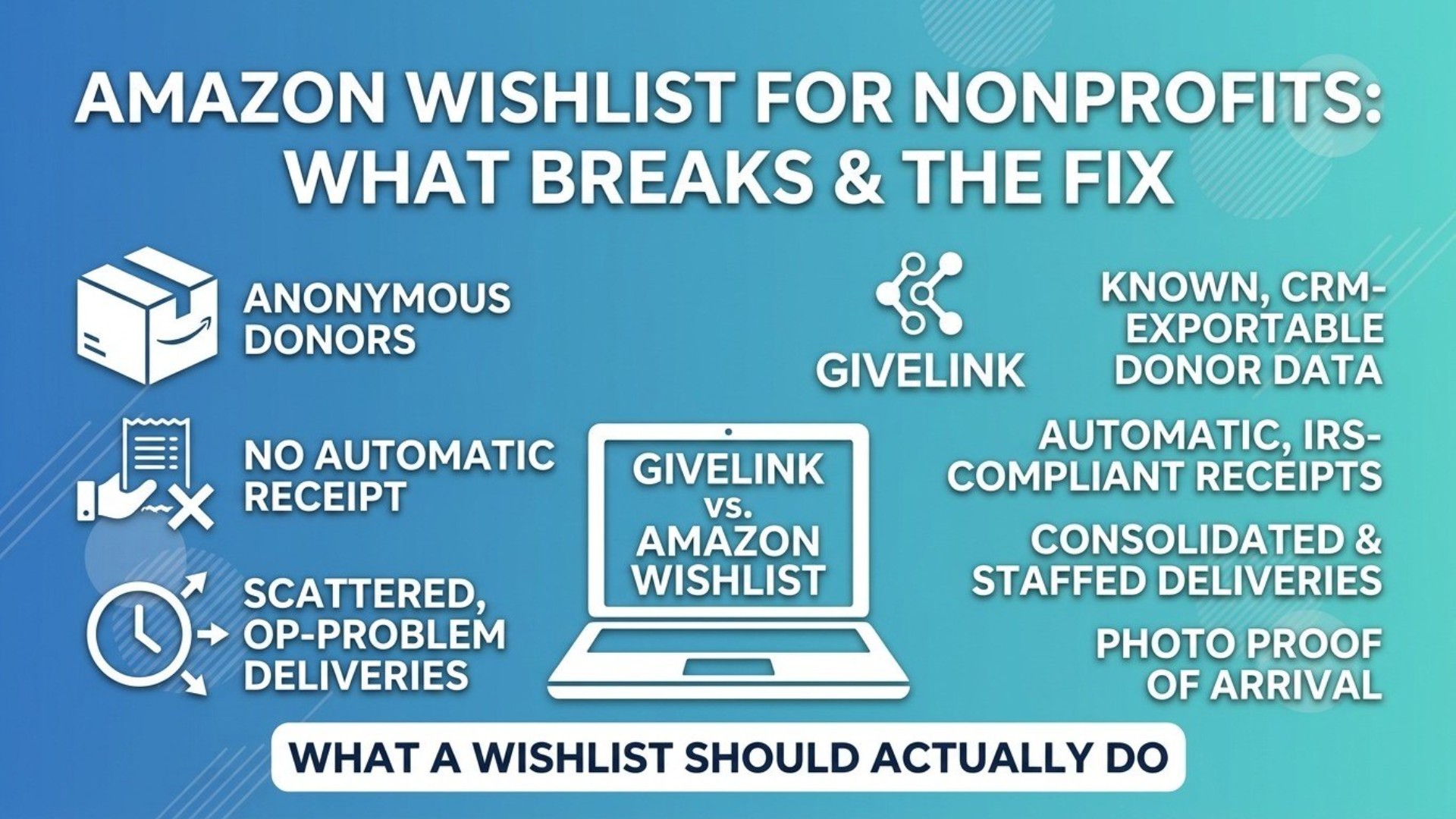
Amazon Wishlist for Nonprofits: What Breaks, and What to Use Instead
Last updated: [DATE]
Almost every small nonprofit has an Amazon wishlist.
It makes sense. It is free, it takes twenty minutes to set up, and it solves a real problem — donors who would rather buy you a thing than write a check now have somewhere to go. For a lot of organizations it is the only in-kind giving infrastructure they have ever had.
And it half-works. Which is exactly the problem, because the half that does not work is the half that turns a one-time gift into a donor relationship.
Here is what actually breaks.
1. You often do not learn who gave
A box arrives. Sometimes there is a gift note. Often there is not.
You now have a supporter who took a deliberate action for your organization — someone who read your list, chose an item, and paid for it — and no reliable way to thank them, add them to your CRM, or ever ask them again.
For a development team, this is the whole game. First-time givers who get thanked well give again. First-time givers who vanish into an anonymous cardboard box do not.
This is not Amazon being careless. Amazon is a retailer optimizing a shopping experience. It was never designed to be a donor-relationship system, and it is unfair to expect it to be one. But it means your list is generating gifts and destroying the relationship that would have produced the next ten.
2. There is no tax receipt
Your donor bought something for a 501(c)(3). They may be entitled to a deduction. They will not get the documentation from Amazon, because Amazon did not receive a charitable contribution — Amazon made a sale.
The acknowledgment has to come from you, with your legal name, your EIN, a description of the property, and the goods-and-services statement — and it has to arrive contemporaneously. (Here is exactly what it has to say.)
If you do not know who gave, you cannot send it. If you do know, you are now doing manual receipt paperwork for every individual box, which nobody has time for, which means it does not happen, which means your donors quietly lose deductions they were entitled to.
3. Deliveries arrive on Amazon's schedule, not yours
Six separate boxes on six separate days, at whatever hour the route lands.
If you have a storefront with staff, this is an annoyance. If your shipping address is a foster's house, a volunteer's apartment, a shared office, or a facility that is only staffed on certain days, it is a genuine operational problem — and one that gets worse the more successful your list is.
There is also the address problem itself. Many small organizations do not have a monitored physical address. Some only have a PO Box, which cannot receive most shipped goods at all. So the list ships to someone's home, and now a volunteer is running a warehouse out of their living room and driving boxes across town.
4. You cannot easily see what actually happened
Which items got bought? Which have been sitting untouched for four months? Which need refreshing before your fall program starts?
You can piece some of this together, but it is manual and it is retrospective. Meanwhile the thing you most want to show a donor — your gift arrived, here it is being used — is not something the list can produce for you.
5. Donors do not get the moment that makes them give again
This is the one that costs the most and shows up on no report.
A donor buys something for your organization. Then... nothing. No confirmation it arrived. No photo. No note. The gift disappears into the same void as every other online purchase they made that week.
The reason people give in-kind rather than cash is precisely that they want to see where it went. The wishlist gives them the choosing — which is genuinely the good part — and then withholds the arriving, which is the part that creates a repeat donor.
What a wishlist should actually do
Take the good parts of the wishlist model — donors pick a specific real thing, it ships to you, nobody has to organize a drive — and fix the four things that break.
Givelink is that. It is free, and it is free on both sides: no fees to your organization, no fees to your donors.
| Amazon wishlist | Givelink | |
|---|---|---|
| Donor picks a specific item you need | ✓ | ✓ |
| Ships directly to you | ✓ | ✓ |
| You know who gave | Unreliable | ✓ Every time |
| Tax receipt | You do it manually, if you can | ✓ Automatic, IRS-compliant |
| Delivery timing | Whenever each order lands | ✓ Consolidated batches every 14 days |
| Donor sees proof of arrival | ✗ | ✓ Delivery photo + your thank-you note |
| Multiple lists (per program, per site, per project) | Awkward | ✓ Built in |
| Multiple staff logins | One shared account | ✓ Per-person access |
| Cost to your nonprofit | Free | Free |
| Cost to your donor | Retail | Retail |
The part that changes your fundraising
When a donor gives through Givelink, they get a photo of the item arriving and a thank-you note from you. That is a two-minute experience that turns a transaction into a relationship — and it happens automatically, without anyone on your staff doing anything.
You get the donor's name and contact details, in a form you can export into your CRM. Which means the person who bought you forty sheet sets in March is someone you can talk to in November.
"Should I delete my Amazon wishlist?"
No. Run both for a while.
Keep the Amazon list for donors who prefer it and for the traffic you already send there. Add a Givelink list, put it in your email signature and your newsletter, and compare after a quarter: which one produces donors you can actually name, thank, and ask again?
Let the data decide. We are confident enough in the answer to suggest the test.
Getting set up
Setup takes about fifteen minutes:
- Create your organization profile — mission, story, photos, the things that make a donor care
- Add your needs — the specific items, quantities, and why they matter
- Add your shipping details — a physical address that can receive deliveries, and the days and hours you can accept them
- Add your tax-receipt details — legal name, EIN, authorized representative, so receipts generate correctly
- Share your link — email signature, newsletter, social, your website's donate page We verify every organization as a 501(c)(3) before it goes live, which is also why donors trust the list.
FAQ
Can nonprofits use Amazon wishlists? Yes, and many do. The limitations are around donor identification, tax receipts, delivery control, and proof of impact — not around whether it is allowed.
Do I get a tax receipt for buying from a nonprofit's Amazon wishlist? Not from Amazon. Any acknowledgment has to come from the nonprofit, which requires them to know you gave. Here is what a compliant receipt has to contain.
How do nonprofits know who bought from their Amazon wishlist? Often they do not, unless the donor deliberately includes a gift note. This is the single most common complaint we hear about the wishlist model.
What is the best Amazon wishlist alternative for nonprofits? You want something that keeps donor-chosen specific items but adds donor identification, automatic tax receipts, consolidated delivery, and proof of arrival. That is what we built Givelink to do.
Is Givelink really free? Yes — no fees to the nonprofit and no fees to the donor. Donors can optionally add a tip at checkout, and there is a small product markup in the US that covers sourcing and logistics. Nothing is deducted from what reaches you.
Related: How to ask for in-kind donations · Companies that donate to nonprofits · Good360 vs. Givelink
See also
What is Givelink?
Learn from the founders:
Run a nonprofit? Get what you need.
Set your nonprofit up yourself in about 15 minutes. It's free, there's no contract, and you don't need to talk to anyone first.