
What Is In-Kind Donation Software? A Nonprofit's Guide
It's not a fancier Amazon wishlist. Here's what the category actually does, and what to check before you pick one.

Panos Kokmotos |
What Is In-Kind Donation Software? A Nonprofit's Guide
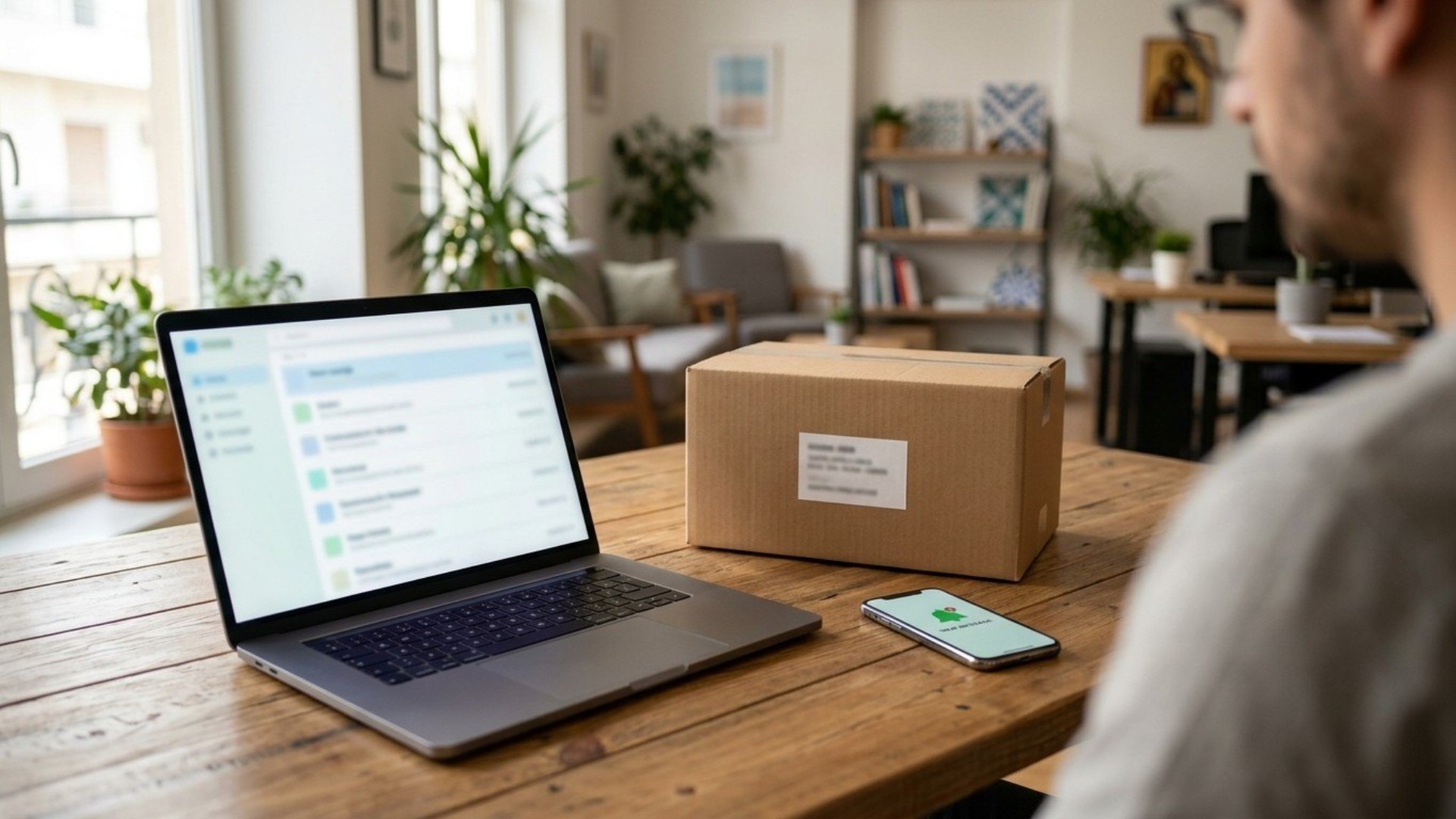
In-kind donation software is a platform that lets your organization publish the specific physical items you need, lets a donor fund one of those exact items instead of giving cash, and tracks what actually arrived and who sent it. It replaces the combination most nonprofits start with instead: a public Amazon or Chewy wishlist, a spreadsheet, and a shared inbox someone checks by hand.
That combination works at low volume. It's also the reason this category of software exists at all.
The three things this software actually does
Strip away the marketing language and every product in this category does three jobs.
Publishing what you need. A page, a widget, or a wishlist listing specific items, quantities, and prices, kept current enough that a donor sees something real rather than a stale list from last spring.
Turning a donor's choice into a shipped item. The donor picks an item, pays for it, and it ships, either from the platform's own supplier relationships or through a linked retailer account. This is the step a plain spreadsheet can't do on its own.
Tying the arrival back to the donor. This is the step that separates real software from a glorified wishlist. Confirming an item arrived, matching it to the person who funded it, and generating whatever acknowledgment they need, without someone doing that matching by hand from a delivery log.
Most of what looks like a feature difference between products in this category is really a difference in how much of step three is automated versus manual.
What breaks down without it
A spreadsheet-and-wishlist setup fails predictably, and it's worth naming exactly where, because it tells you what to check for in a platform.
Matching slows down first. At five gifts a month, matching a delivery to a donor by hand is a few minutes of work. At fifty, it's a part of someone's week, and it's usually the first thing that quietly stops happening, which means donors stop hearing back.
Then acknowledgment gets inconsistent. Some donors get a thank-you. Some don't, not out of ingratitude, but because the person who was supposed to send it got busy and the system had no memory of who was owed one.
Then the books get harder to close. Contributed nonfinancial assets need to be tracked at the item level for financial reporting. A pile of delivery confirmations with no donor attached is a bad starting point for that.
None of this happens on day one. It happens gradually, as volume grows past what one person can track by memory and a spreadsheet.
What to actually check before choosing one
Does it verify arrival, not just track a purchase? A confirmation email when someone buys an item is not the same as proof it reached you. Look for whether the platform closes the loop with something concrete, ideally a photo, tied to that specific gift.
Does it generate what donors need for their own records? Different platforms handle this differently. Some generate a written acknowledgment automatically; some leave it to you. Know which one you're getting before you commit staff time to build a process on top of it.
What does it actually cost? Some charge the nonprofit a platform fee or a percentage. Others are free to the organization and monetize differently, often on the retail side of the transaction. Ask directly rather than assuming from the marketing page.
Does it fit your existing supply chain, or replace it? If you already have staff relationships with specific suppliers, check whether the platform can route through them or whether it forces everything through its own catalog.
How much manual work does it actually remove? Ask to see the donor-facing flow and the organization-facing dashboard, not just a features list. The gap between "the software supports donor matching" and "donor matching happens automatically" is the whole point of buying software instead of running a spreadsheet.
Where Givelink fits
Givelink is built around the third job specifically: closing the loop. A nonprofit publishes what it needs, a donor funds the exact item, it ships, and the delivery is photo-verified and tied back to that donor and that gift automatically, no manual matching required. It's free for nonprofits, no setup fee, no platform fee, no subscription. As of today, 536 donors have funded 1,696 gifts across 101 nonprofit profiles this way.
That's one answer to the buying question above, not the only one. The point of this guide is the checklist, not the pitch: know what the three jobs are, know where your current setup is already failing or about to, and evaluate anything you're considering against that, not against a features page.
FAQ
Is in-kind donation software the same as a wishlist? No. A public wishlist is the first job (publishing needs). Software in this category adds the second and third jobs, turning a chosen item into a shipped gift and tying its arrival back to the donor automatically.
How much does in-kind donation software typically cost a nonprofit? It varies by provider. Some charge a platform or subscription fee; others are free to the nonprofit and generate revenue elsewhere in the transaction. Ask directly what the organization pays versus what the donor pays.
At what point does a nonprofit actually need dedicated software instead of a spreadsheet? Usually once manual matching starts slipping, meaning donors go unthanked or items go untracked because no one has time to reconcile deliveries by hand. That threshold is different for every organization, but it shows up as a real, felt problem before it shows up as a decision to buy software.
Can a nonprofit switch from a manual wishlist setup to software without losing donor history? Generally yes, though how cleanly depends on how well the manual system was logged. This is a reasonable question to ask any platform directly before switching: what happens to your existing donor and gift history when you move over.
See how the arrival-verification piece works in practice at givelink.app/charities.
See also





What is Givelink?
Learn from the founders:
Run a nonprofit? Get what you need.
Set your nonprofit up yourself in about 15 minutes. It's free, there's no contract, and you don't need to talk to anyone first.