
DollarDays for Nonprofits: Bulk Supplies on Givelink
How DollarDays products show up on your Givelink wishlist, and when to pick them.

Panos Kokmotos |
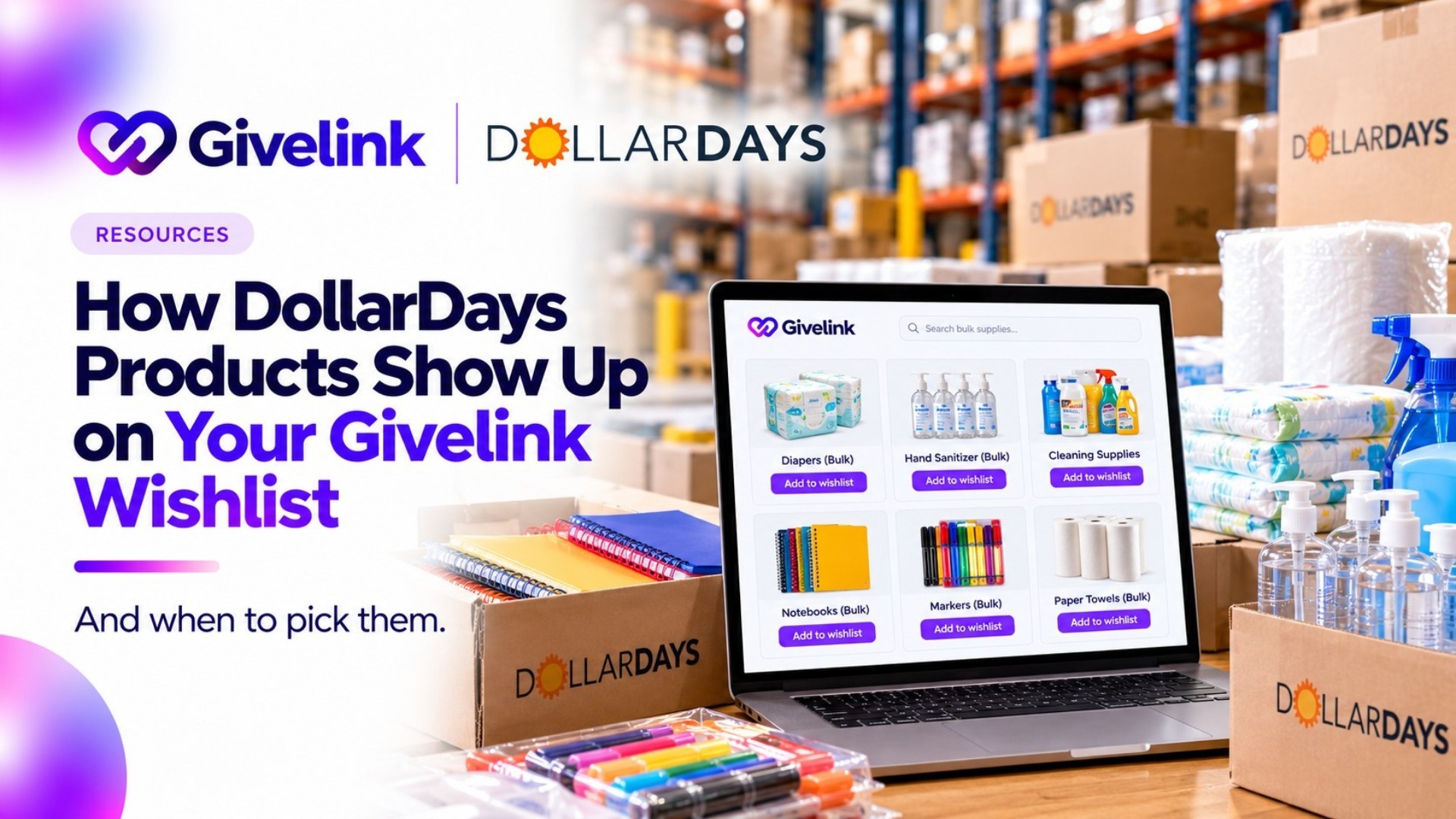
Short answer: DollarDays is a wholesale supplier, and it's one of the two sources Givelink currently orders from, next to Amazon. If your nonprofit needs everyday items in bulk, like hygiene products, school supplies or household essentials, you can add DollarDays products to your Givelink account so donors can fund them.
Here's how that works, who it fits, and how to decide between a DollarDays item and an Amazon one.
What DollarDays is
DollarDays describes itself as a wholesale supplier for cause-driven organizations. It says it has served thousands of organizations since 2001. Its catalog is organized into 14 categories, including toys and games, clothing, disaster relief supplies, personal care, baby care, household essentials, food and drinks, pet supplies, and school and office supplies.
It also offers "Shop By Mission" collections, for example for cold weather relief, disaster prep and relief, and school programs. If you're building a drive around a specific mission, that's a useful place to start browsing.
Where it fits on Givelink
On its for nonprofits page, Givelink says it currently sources through Amazon and DollarDays. Your wishlist can mix both. Donors don't need to know or care which supplier an item comes from. They pick a need, fund it, and follow it through delivery.
Nothing about the rest of the process changes:
- Givelink has no setup fees, platform fees, subscription, contracts or minimums for nonprofits.
- Shipping is included in the product price, so donors don't pay it separately.
- Donations are batched and shipped weekly, and each shipment comes with a tracking link.
- When the items arrive, your team uploads a quick photo, which triggers the donor's tax receipt. Givelink also notes a small markup on product prices, about 5% according to that page, to cover logistics. Compare it against your own cost to buy the same item before you decide where to list it.
When a DollarDays item makes sense
Choose it when your need looks like a case-pack need. A few examples:
- Hygiene and personal care. Toothbrushes, soap, shampoo and kits for shelters and outreach programs.
- School and office supplies. Notebooks, pens and backpacks for back-to-school drives.
- Household essentials and baby care. Cleaning supplies, towels, diapers and wipes for family programs.
- Seasonal and relief items. Cold weather supplies or emergency kits, when you can plan the need ahead. Choose Amazon when you need a very specific brand, size or model. Mix both when your list has a bit of everything. A list with clear, concrete items beats a vague one either way. "Buy 20 hygiene kits someone actually asked for" gets funded faster than "support our mission."
How to get started
- Look through DollarDays by category or mission and note the items that match your real, current needs.
- Tell Givelink which DollarDays products you want on your account, with quantities, so they can appear on your wishlist.
- Check the delivery address and contact person on the list.
- Share the list with your supporters. A short note in your newsletter, a post on social media, or a line in a bulletin is enough. Needs you change on Givelink go live within an hour, so you can start small and adjust. If you already keep an Amazon wishlist, you can import it by pasting its link into your dashboard, then add DollarDays items on top.
Two habits keep a list healthy. Name one person who owns the photo upload when deliveries arrive, and review your list on a schedule so it never looks stale. Donors respond to lists that look alive.
What to keep in mind
Not every nonprofit will find the right item at DollarDays, and that's fine. Use it where it saves you time or fits the quantity you need. Check the item details before you publish, and confirm your receiving hours with your delivery contact, since bulk shipments often need someone on site to accept them.
FAQ
Is DollarDays free to use through Givelink? Givelink doesn't charge nonprofits any setup, platform or subscription fees. Product prices include shipping and a small logistics markup, as described on the for nonprofits page.
Do donors have to choose DollarDays? No. Donors fund whichever need is on your list. You decide which items to add, from either supplier.
Can I use both Amazon and DollarDays on one wishlist? Yes. Givelink currently sources through both, so one list can hold items from each.
Where can I learn how Givelink works end to end? Start with the Givelink for nonprofits page, then look at your dashboard to build your first wishlist.
Next step
Open your current wishlist and find the 3 items you reorder most. If they're bulk basics, price them from DollarDays and see whether they fit. Which one will you list first?
See also



What is Givelink?
Learn from the founders:
Run a nonprofit? Get what you need.
Set your nonprofit up yourself in about 15 minutes. It's free, there's no contract, and you don't need to talk to anyone first.