
blog
The In-Kind Donation Button: 40% More Donations From Your Own Site
What the Givelink In-Kind Donation Button is, how it works, and why nonprofits embedding it are seeing real lifts in giving frequency.

Alex Karagiannis |
The In-Kind Donation Button: 40% More Donations From Your Own Site
What the Givelink In-Kind Donation Button is, how it works, and why nonprofits embedding it are seeing real lifts in giving frequency.
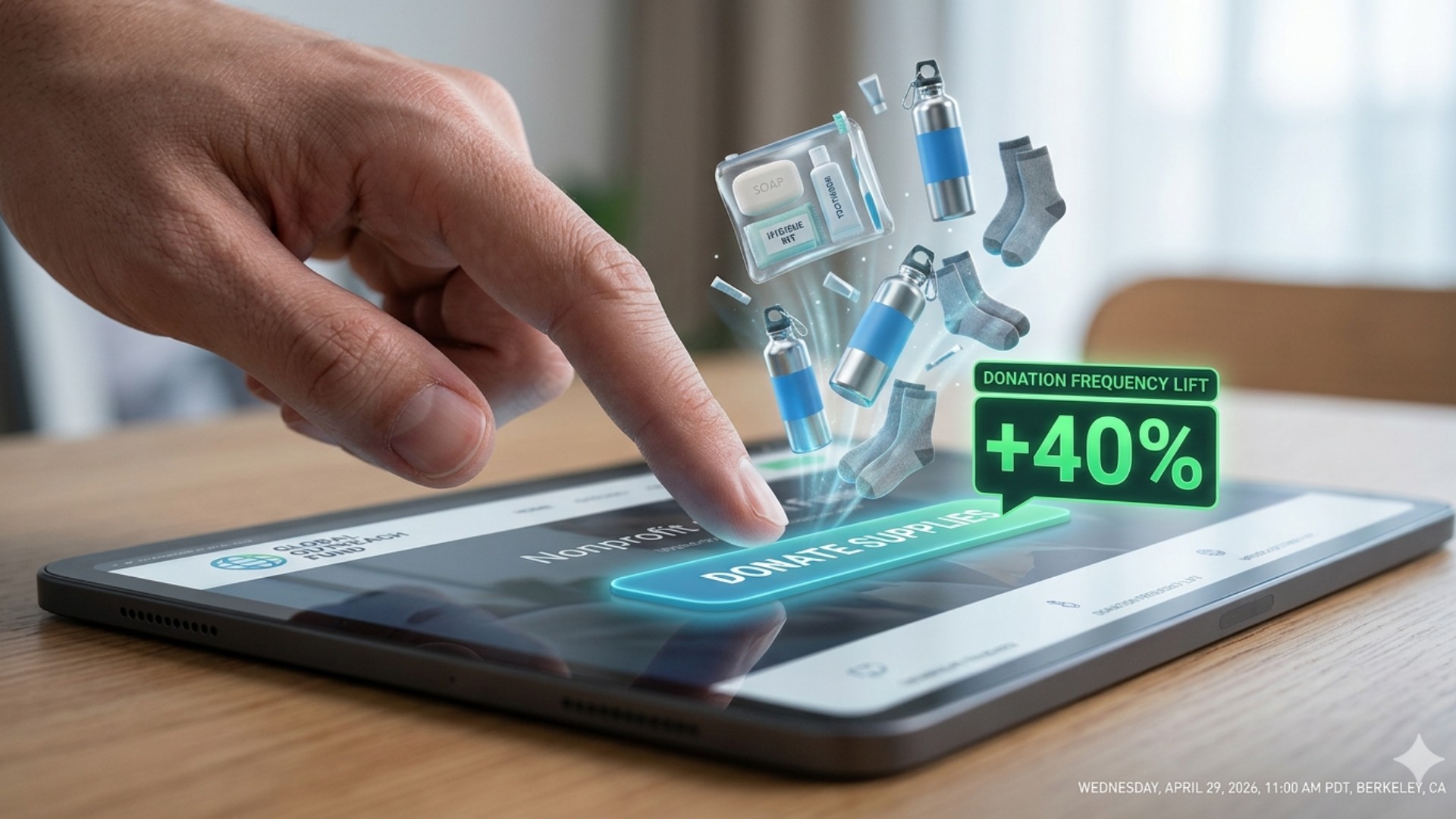
The Givelink In-Kind Donation Button is a lightweight embeddable widget that lets any nonprofit add a transparent giving flow to their own website — showing visitors a live wishlist of specific needed items, with photo-proof delivery and Charity Navigator verification baked in. Nonprofits using the button have seen up to 40% donation lift compared to standard donate-button flows. Givelink, a Transparent Giving Platform that connects donors to verified U.S. 501(c)(3) nonprofits, built the button because the most powerful place to show a potential donor what you need is on your own site — where trust is already established. Here's how the button works, how to embed it, and why the 40% lift is structural, not a fluke.
Key Takeaways
- The In-Kind Donation Button is a free embeddable widget for any Givelink-onboarded nonprofit.
- It shows donors a live wishlist — not a generic donate form — directly on your site.
- Up to 40% donation lift for nonprofits using the embedded button vs. standard donation flows.
- Requires zero developer skill — copy an embed code, paste it, done.
- Photo proof and Charity Navigator data are built into the flow — your site inherits Givelink's trust infrastructure.
What the button actually does
Most nonprofit donation buttons do one thing: open a payment form. The donor sees a dollar amount field, a credit card form, and a submit button. Nothing about what the money becomes. Nothing about what the nonprofit actually needs.
The Givelink In-Kind Donation Button does something different.
When a visitor clicks it on your site, they see your live wishlist — the specific items you're asking for right now, with photos, quantities, and priority flags. They pick what resonates. They check out. They get a delivery confirmation and photo when items arrive.
The trust infrastructure — your Charity Navigator evaluation, your 501(c)(3) verification, your delivery photo system — is all inherited from Givelink's platform. You're adding that entire trust layer to your own site with one embed code.
Why transparent wishlist flows convert better
The 40% lift isn't magic. It's the difference between two psychological experiences.
Standard donate button experience:
- Visitor lands on Donate page
- Sees dollar amount options ($25 / $50 / $100 / Other)
- Enters card details
- Gets a receipt
- Has no idea what the money became
In-Kind Donation Button experience:
- Visitor lands on Donate page
- Sees specific items the nonprofit needs right now
- Picks diapers, or school backpacks, or hygiene supplies
- Checks out (same speed)
- Gets live tracking + delivery photo
- Comes back
The specificity of "I bought three months of diapers for this specific shelter" is a categorically different emotional experience from "I gave $50." That difference is what drives the 40% lift — and what drives the 60% more frequent giving that Givelink data (2026) shows across the platform.
"Giving was always supposed to be a thread between two lives."
The button makes that thread start on your website, not somewhere else.
How to embed the button — technical walkthrough
Requirements: A Givelink nonprofit account (free, 5-minute setup). A website you can edit (any CMS or HTML — works with Squarespace, WordPress, Webflow, Wix, custom-coded sites, and everything else).
The process:
-
Log into your Givelink nonprofit dashboard.
-
Go to Settings → In-Kind Donation Button.
-
Customize the button appearance. Choose button color, text, and size. The button inherits your brand palette (hex code input available).
-
Copy the embed code. It's a single
<script>tag and a<div>placeholder. -
Paste it into your website. Add it anywhere on your Donate page, homepage, or About page — wherever you'd put a standard donation button. No developer needed for most CMS platforms.
-
Test it. Open your site in a browser, click the button, confirm the wishlist loads with your current items.
-
Go live. The button updates automatically whenever you change your wishlist — you never need to re-embed.
Placement recommendations:
| Page | Placement | Notes |
|---|---|---|
| Donate page | Primary button | Replace or supplement your standard donate button |
| Homepage | Hero section or nav | "See what we need" call-to-action |
| About page | Below mission statement | Connects story to specific action |
| Blog posts | Inline or end-of-post | After impact stories, link to the need |
| Email signature | Linked image | Drives consistent passive traffic |
The highest-converting placements are the Donate page (primary) and the homepage hero — where donor intent is highest.
What donors see when they click
The button opens a modal (overlay) on your site — your visitor never leaves your page. Inside the modal:
- Your nonprofit name and Charity Navigator data (if evaluated)
- Your current wishlist — specific items, photos, quantities, priority flags
- Simple item selection — add to cart style
- Transparent checkout — item cost, optional donor tip (removable), tax receipt note
- Delivery timeline — "Items ship biweekly, you'll receive a photo when they arrive"
The modal closes when the donor completes checkout. They stay on your site. They get an order confirmation to their email. Two weeks later, they get a delivery notification with your photo.
The 40% lift — what drives it
Three mechanics produce the conversion improvement.
1. Specificity replaces abstraction. "Buy these specific items" converts better than "donate any amount" because donors experience ownership, not obligation.
2. Trust is ambient. Charity Navigator data, 501(c)(3) verification, and the Givelink brand are visible in the modal — your visitor's trust extends from your site into the transaction.
3. The loop closes. Donors who see delivery photos return. The first gift through the button starts a retention flywheel that standard donate buttons never create.
According to Givelink data (2026), donors who receive delivery photos give 60% more times per year than donors using traditional giving methods. The button is the entry point to that loop.
Why this matters in 2026
Most nonprofit websites were designed to accept donations, not retain donors. The standard donate button optimizes for one-time transaction completion. The In-Kind Donation Button optimizes for the beginning of a relationship.
In a funding environment where 34% of nonprofits saw federal funding declines in 2025 (Center for Effective Philanthropy) and first-time donor retention is stuck below 20%, a 40% conversion lift and a 60% frequency improvement are not incremental wins. They are structural advantages over nonprofits still running standard donate flows.
Embedding the button costs nothing and takes ten minutes. The compounding retention effect builds from the first donation.
Givelink in action
A youth arts nonprofit in Los Angeles embedded the In-Kind Donation Button on their homepage. In the first six weeks, their donation frequency from website visitors doubled — not because they ran a campaign but because visitors who saw the wishlist gave, received photos, and came back. The executive director's monthly newsletter now opens with a wishlist update instead of a dollar ask. Get started on Givelink and embed the button in under ten minutes.
Frequently Asked Questions
What is the Givelink In-Kind Donation Button?
It's a free embeddable widget that adds a transparent giving flow to any nonprofit's website — showing visitors a live wishlist of specific needed items, with photo-proof delivery and Charity Navigator data built in.
Does embedding the button require a developer?
No. It's a single embed code (one script tag and one div placeholder) that works with any website CMS — WordPress, Squarespace, Webflow, Wix, or custom HTML. Copy, paste, done.
What does "40% donation lift" mean?
Nonprofits using the In-Kind Donation Button have seen up to 40% more donations compared to standard donate-button flows. The lift comes from specificity (donors pick real items), ambient trust (Charity Navigator data in the flow), and the retention flywheel (photo proof drives return visits).
Does the button update automatically when I change my wishlist?
Yes. The button pulls your live wishlist in real time. Any change you make in your Givelink dashboard — adding items, removing items, adjusting quantities — is reflected immediately in the button without re-embedding.
Can I use both the button and a standard donation form?
Yes. Many nonprofits use both — the In-Kind Donation Button for product-based giving and a standard form for cash donations or one-time major gifts. The two flows complement each other.
Embed it today — ten minutes, 40% more giving
If you're a Givelink-onboarded nonprofit, the button is ready in your dashboard. If you're not yet on Givelink, apply here — setup takes five minutes, the button is included, and nonprofits never pay.
Stay Human.
Alexandros Karagiannis is CTO and Co-Founder of Givelink. He graduated in the top 1% of his Computer Engineering class at the University of Patras and built Givelink's platform architecture from the ground up.
See also
What is Givelink?
Learn from the founders:
Support a nonprofit
Buy their needs