
blog
8 Email Templates for Nonprofits Using Transparent Giving
Ready-to-use email copy for every stage of the donor relationship — written around the delivery photo, not around the ask.
Antonis Politis |
8 Email Templates for Nonprofits Using Transparent Giving
Ready-to-use email copy for every stage of the donor relationship — written around the delivery photo, not around the ask.
Most nonprofit email templates are written around the ask. This is the wrong starting point. The ask is the weakest moment in donor communication — the moment of lowest trust, highest friction, and most direct competition with every other organization also asking. The strongest nonprofit communications are written around the proof — the delivery photo, the specific impact, the visible moment that changes a donor's relationship to the giving act. Here are eight templates built around proof, ready to adapt and use.
Template 1: First-time donor welcome (Day 1–2 after donation)
Subject: Thank you — here's what you just funded
Body:
Hi [Name],
Your donation to [Organization] is confirmed — and we wanted to be specific about what you gave.
You funded [specific item(s)] from our current wishlist. These go directly to our [specific program] — [one sentence on who it serves and how the item is used].
Within the next two weeks, you'll receive a notification when your donation arrives. It comes with a photo — not a stock image, not a report, a photo of the actual items on our actual shelf.
We take this seriously because we think you deserve to see what happened. You'll see it soon.
Thank you, [Name], [Title] [Organization]
Template 2: Delivery photo notification (24–48 hours after photo upload)
Subject: [Your name]'s delivery arrived — here's the photo
Body:
Hi [Name],
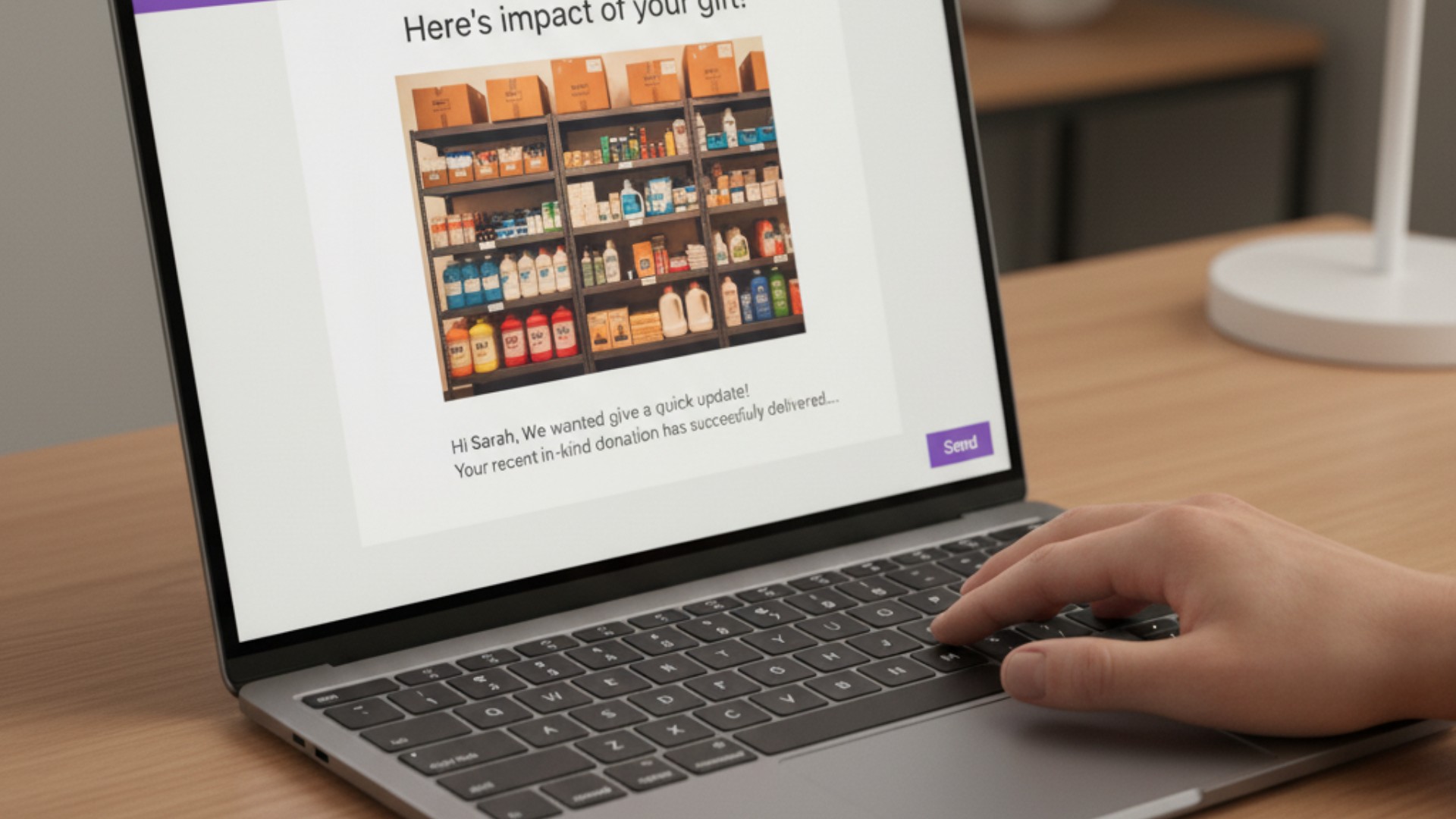
The [specific items] you gave arrived at [Organization] this week. Here's the photo:
[Photo embedded or linked]
[Caption from the delivery: what arrived, what program it's for, who it serves — 2–3 sentences]
If you'd like to see what we need next, our wishlist is always current: [Givelink profile link]
Thank you for seeing this through.
[Name]
Template 3: Proof-triggered recurring gift ask (48 hours after delivery photo notification)
Subject: That's what monthly giving looks like
Body:
Hi [Name],
You saw the delivery photo this week. That's exactly what your giving produced — specific items, photographed when they arrived.
That's also what monthly giving looks like on Givelink. Every two weeks, something arrives. Every arrival gets a photo. Every photo lands in your dashboard.
If you'd like to make your support monthly, it takes one click: [recurring giving link or Givelink profile link]
No pressure. But you've seen what it produces, and we'd love to keep producing it with you.
[Name]
Template 4: Monthly check-in (for recurring donors, monthly after first gift)
Subject: [Month] update from [Organization]
Body:
Hi [Name],
A quick update from us:
What arrived this month: [2–3 sentences describing the latest delivery — specific items, quantities, program use]
What's next: [1–2 sentences on what's currently high-priority on the wishlist and why]
The wishlist: [Link — always current]
That's it. We'll see you in the next delivery cycle.
[Name]
Template 5: Annual giving summary (for donors with 6+ months of history)
Subject: A year of giving — what you produced
Body:
Hi [Name],
You've been giving to [Organization] for [X months]. Here's what that looks like:
- [X] delivery cycles with items from your giving
- [X] items delivered to our [program name]
- [X] delivery photos in your dashboard
Here are three photos from the past year:
[3 photos embedded or linked, dated, with brief captions]
We don't take this for granted. Your giving is a consistent presence in our supply room — one that our [staff/residents/clients/students] benefit from directly.
Here's our wishlist for the coming months: [link]
Thank you, [Name]
Template 6: Awareness month campaign launch
Subject: October is DV Awareness Month — here's exactly what we need
Body:
Hi [Name],
October is Domestic Violence Awareness Month. For us, that means it's our busiest intake month of the year — and the month we most need our supply room fully stocked.
Here's what we specifically need in October:
- [Item 1 with quantity]
- [Item 2 with quantity]
- [Item 3 with quantity]
You can give from our wishlist here: [Givelink profile link]
You'll receive a photo when these items arrive — likely in the first weeks of November. That photo will show you exactly what your Awareness Month giving produced.
Thank you, [Name]
Template 7: Emergency Button activation notice
Subject: We need help — specifically, and urgently
Body:
Hi [Name],
We activated our Emergency Button today on Givelink. This is not a routine campaign — we have a genuine supply shortage affecting our current residents.
What happened: [One sentence describing the situation — intake surge, supply chain issue, unexpected demand]
What we need right now: [2–3 specific items from the emergency wishlist]
Give here: [Givelink profile link — Emergency Button is visible]
If you can give in the next 48 hours, you'll be part of the batch that gets to residents fastest. Every item counts — specifically.
[Name]
Template 8: Lapsed donor re-engagement (for donors who gave once, haven't returned)
Subject: Something arrived at [Organization] last month
Body:
Hi [Name],
You gave to [Organization] [X months] ago. We don't know if you've been back to our wishlist since — but we wanted to share what arrived recently.
[Latest delivery photo embedded or linked]
[Caption: what arrived, what program, brief human note — 2 sentences]
If you'd like to give again, our wishlist is here: [Givelink profile link]
If now isn't the right time, that's okay. We'll keep photographing deliveries and sending updates when we have something to show.
[Name]
The principle behind all eight templates
Every template is built around showing before asking. The delivery photo arrives before the recurring ask. The annual summary shows before any new request. The emergency appeal shows the specific need before anything else.
This is not manipulative — it's honest. You have proof. Share it. Then ask if they want to be part of producing more of it.
The organizations that use these templates report significantly higher open rates, click rates, and giving frequency than organizations using standard ask-first communication. The proof does the persuasion work. The ask just has to follow.
Frequently Asked Questions
Can we adapt these templates for our organizational voice?
Yes — these are starting points, not final copy. Adapt the language to match your organization's voice while preserving the proof-first structure.
What photo format works best for email?
JPG or PNG, embedded directly in the email body for maximum engagement. Link to the full Givelink delivery photo for donors who want to view it in their dashboard.
How long should each email be?
These templates are intentionally brief — proof doesn't require length. The longest template (annual summary) should still fit within a 5-minute read. Shorter is better.
Can we use these templates for social media posts too?
With adaptation — the core structure (show proof, then invite action) translates to social. Shorten significantly for Instagram; the photo does most of the work.
Use the proof. Send the email. Build the relationship.
Set up your Givelink profile and start building the communication stack around the photo.
Stay Human.
Antonis Politis is CEO and Co-Founder of Givelink.
See also
What is Givelink?
Learn from the founders:
Support a nonprofit
Buy their needs