
resource
Your First 30 Days on Givelink: The Partner Checklist
Everything you need to do in your first month to start receiving donations. Tick each one off.
Panos Kokmotos |
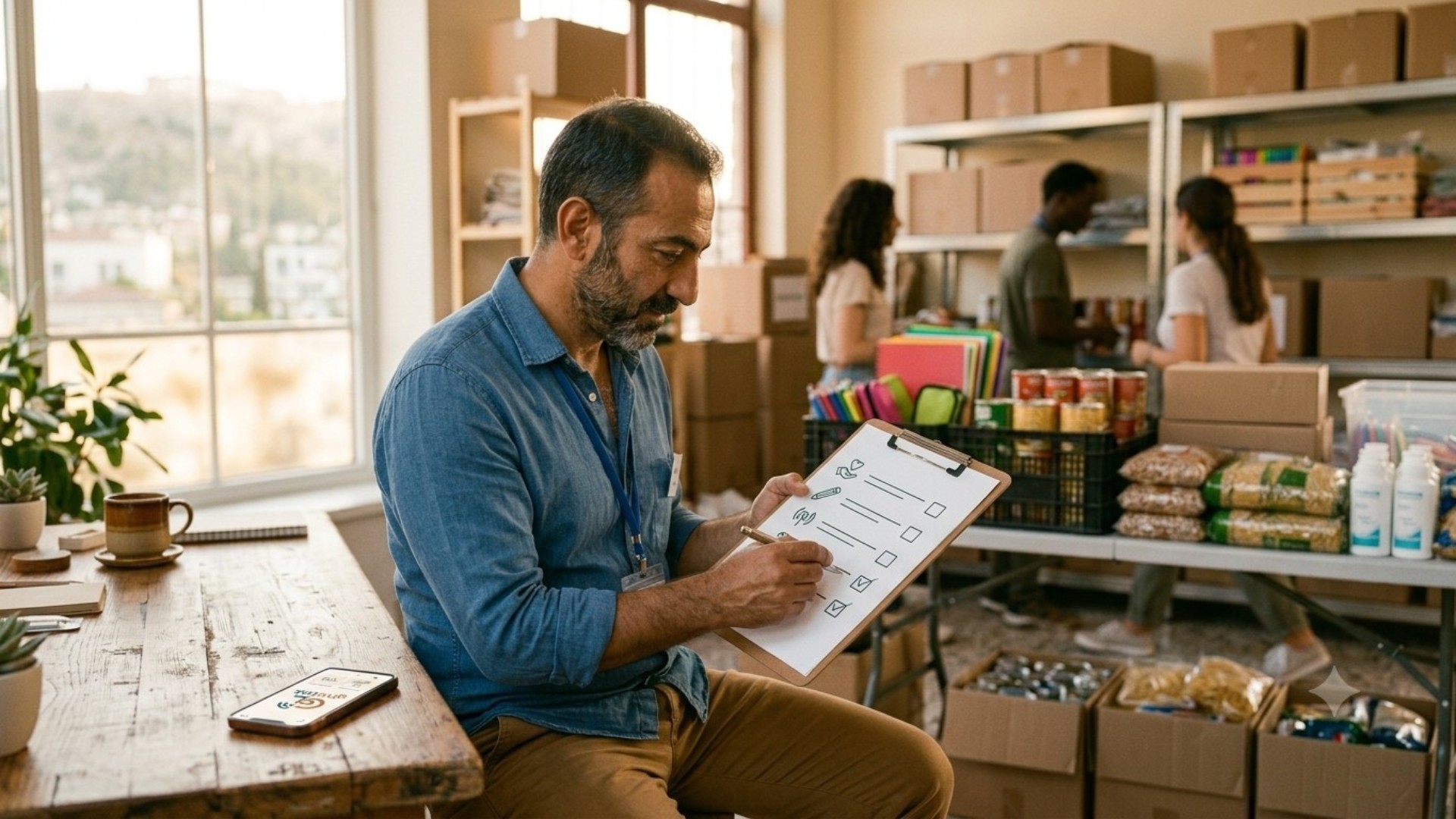
New to Givelink? These are the only things you need to do in your first 30 days to start receiving donations. Tick each one off. Partners who finish this list receive far more donations than those who stop halfway.
Week 1: Get set up
- Download the Givelink app (search "Givelink" on the App Store or Google Play)
- Create your organization account
- Upload your logo and a cover photo (use a real, bright photo from your work)
- Write your short description (2 to 3 sentences: who you help, where, and why)
- Upload your verification documents (this unlocks the green verified badge)
- Add your delivery address (double-check it, this is where goods arrive)
Week 2: Post your needs
- Create your first needs list with 5 to 10 specific items
- Be specific ("size 4 baby diapers," not "baby items")
- Put your most urgent items at the top (donors often pick from the top)
- Turn on mobile notifications so you never miss a donation
Week 3: Share and receive
- Share your Givelink profile once on your social media
- Email your existing supporters with your profile link
- Accept your first donation (confirm receipt in the app when it arrives)
- Upload your first delivery photo (this is the single most important habit)
Week 4: Build the habit
- Update your needs list with anything that has changed
- Upload a delivery photo for every donation received so far
- Send a thank-you to your first donors, with the delivery photo
- Plan your first drive (a focused campaign around one goal)
The one habit that matters most
If you remember nothing else from this list: upload a delivery photo for every single donation. It is the number one reason a donor comes back and gives again. Everything else helps. This is essential.
Done with all 30 days? You are set up better than most partners. Keep your needs list active and keep uploading delivery photos, and the donations will keep coming.
Stay Human.
See also
What is Givelink?
Learn from the founders:
Support a nonprofit
Buy their needs