
blog
How to Set Up a Nonprofit Wishlist on Givelink in 5 Minutes
A step-by-step walkthrough for nonprofit leaders who want to start receiving real products from real donors — today, for free.

Alex Karagiannis |
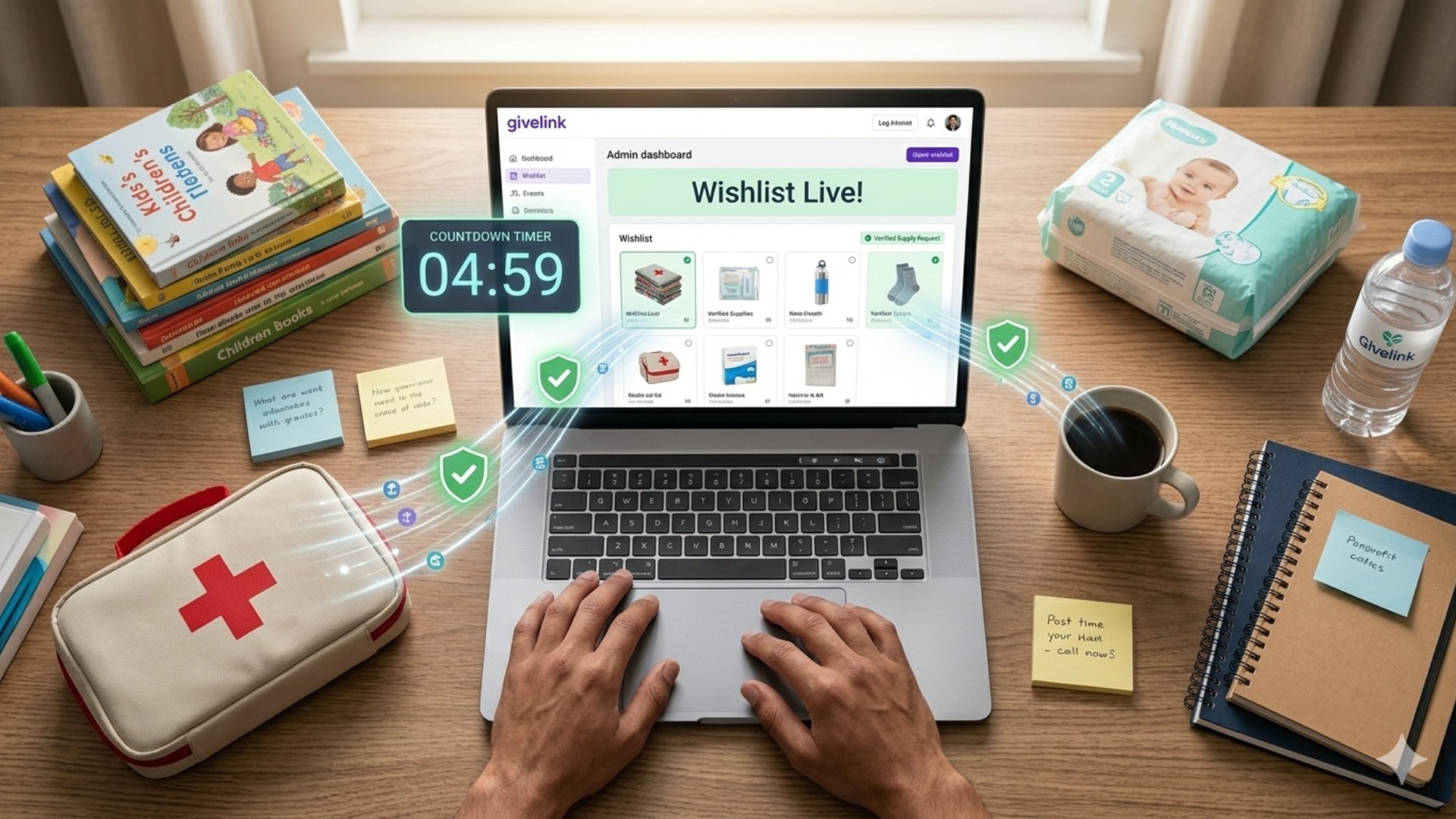
How to Set Up a Nonprofit Wishlist on Givelink in 5 Minutes
A step-by-step walkthrough for nonprofit leaders who want to start receiving real products from real donors — today, for free.
Setting up a nonprofit wishlist on Givelink takes five minutes, costs nothing, and requires only your 501(c)(3) details, a shipping address, and a list of items your organization actually needs. Givelink, a Transparent Giving Platform that connects verified U.S. 501(c)(3) nonprofits to donors with photo proof of delivery, is free for nonprofits forever — no fees, no contracts, no minimums. 100+ nonprofits have already onboarded and are receiving products from donors who can see exactly what they gave and where it arrived. This guide walks through the setup process step by step, what to expect after you go live, and how to make your wishlist convert.
Key Takeaways
- Setup takes 5 minutes. You need your 501(c)(3) EIN, a shipping address, and your first wishlist items.
- Verification happens on our side — Givelink confirms your legal status and adds Charity Navigator data.
- Your first donation can arrive within weeks of going live.
- Wishlists update anytime. Add, remove, or pause items as your needs change.
- The In-Kind Donation Button embeds on your site and drives up to 40% donation lift.
What you need before you start
Three things. That's it.
-
Your EIN (Employer Identification Number). This is how Givelink confirms 501(c)(3) status with the IRS. You'll also need your organization's legal name as it appears on your IRS determination letter.
-
A physical shipping address. Where deliveries will arrive. This doesn't have to be your mailing address — it should be the location where your team receives packages and can photograph them for donor dashboards. PO Boxes don't work for deliveries.
-
Your first wishlist items. Minimum three. Think about what you consistently need and run out of — not what you'd love to have eventually, but what you need this month and next month.
If you have these three things, you're ready.
Step-by-step: the 5-minute setup
Step 1 — Apply (2 minutes)
Go to givelink.app/en/for-nonprofits and click Apply.
Fill in:
- Organization legal name
- EIN
- Mission description (2–3 sentences is enough)
- Primary contact name and email
- Physical shipping address
- Primary cause category (homelessness, senior services, domestic violence, youth, veterans, etc.)
That's the application. Submit it.
Step 2 — Verification (Givelink's side, a few business days)
After you apply, Givelink:
- Confirms your 501(c)(3) status with the IRS
- Verifies your physical address and operations
- Pulls your Charity Navigator evaluation data (if available) and adds it to your profile
- Creates your nonprofit profile page
You don't need to do anything during this step except watch for an email from the Givelink team if they need additional documentation.
Step 3 — Build your wishlist (3 minutes)
Once verified, you get access to your nonprofit dashboard.
How to build a wishlist that converts:
- Be specific. "Hygiene supplies" doesn't convert. "Dove soap, 3.75oz bars, pack of 8" converts.
- Set realistic quantities. If you need 50 toothbrushes a month, list 50 — not 500.
- Prioritize. List your highest-need items first. Donors start at the top.
- Update regularly. A wishlist that hasn't changed in three months signals a stale organization. Refresh it at least monthly.
- Add a photo to each item. Products with photos get clicked more.
The catalog has hundreds of products across hygiene, food, school supplies, household goods, baby and infant care, senior care, and more. Most nonprofits find everything they need already listed.
Step 4 — Add your shipping info
Confirm the exact shipping address for deliveries — room or floor number if relevant, attention line for the receiving staff member, and any access instructions your supplier will need (buzzer codes, loading dock, etc.).
Givelink batches deliveries every two weeks. The first delivery typically arrives within 2–4 weeks of going live, depending on when your wishlist first starts receiving donations.
Step 5 — Go live and embed the button
Your profile is published. Donors can now find you via Givelink's nonprofit directory — searchable by cause, location, and need.
Two things to do immediately after going live:
Share your profile. Post it to your email list, social media, and donor communications. "We're now on Givelink — see exactly what we need and give with photo proof" is a strong message for donor acquisition.
Embed the In-Kind Donation Button. The button is a lightweight widget that goes on any page of your website — your homepage, your Donate page, your About page. Partner nonprofits have seen up to 40% donation lift after embedding it. Copy the embed code from your dashboard and drop it into your site's HTML.
What happens after you go live
The donation loop, from your side:
- A donor finds your profile, browses your wishlist, and buys items.
- Givelink coordinates delivery from verified U.S. suppliers.
- Every two weeks, batched deliveries arrive at your shipping address.
- You (or a team member) photograph the delivery — items on a shelf, in a box, in a room — and upload the photo to your dashboard.
- The photo goes to the donor's dashboard automatically.
- An auto-generated tax receipt is issued by your organization and sent to the donor.
- The donor sees the proof and often gives again.
That last step is the one most nonprofit leaders underestimate. According to Givelink data (2026), donors using the platform give 60% more times per year than donors using traditional giving methods. The photo is the mechanism.
How to make your wishlist perform
Three things separate high-performing wishlists from dormant ones.
1. Keep it current. Update your wishlist every month. Remove items you have. Add items you're running low on. Donors trust a live wishlist more than a static one.
2. Upload photos consistently. Every delivery should produce a photo in your dashboard. This is what keeps donors coming back. You don't need a professional photographer — a phone photo on a shelf is enough.
3. Use the Emergency Button thoughtfully. When a genuine urgent need arises (a sudden surge in residents, a supply chain gap, a community crisis), the Emergency Button flags it to donors browsing the platform. Use it for real urgencies. Overuse erodes trust.
Why this matters in 2026
The funding environment is demanding more proof, more transparency, and more verifiable impact from every nonprofit. Donors are asking harder questions. Grant-makers are requiring better documentation. Federal funding declines are forcing diversification.
A transparent giving platform is both a fundraising tool and a trust infrastructure. Your Charity Navigator data on Givelink. Your verified 501(c)(3) status. Your delivery photos. Together, they're the documentation package that serious donors and institutional funders increasingly require.
"Giving is not a payment flow problem. It's a visibility problem."
Getting on Givelink in 2026 isn't just about raising more. It's about becoming the kind of organization donors trust enough to give to 60% more often.
Frequently Asked Questions
Is Givelink really free for nonprofits?
Yes. Zero fees, contracts, or minimums — ever. Givelink is supported by an optional donor tip at checkout (default 10%, fully removable by the donor) and a small supplier-side product markup. Nonprofits pay nothing.
What if we're not on Charity Navigator yet?
You can still onboard. Givelink verifies your 501(c)(3) status directly with the IRS regardless of Charity Navigator listing. If you have a Charity Navigator profile, the data will be pulled and displayed automatically. If not, your IRS-verified status is shown instead.
Can we pause or close our wishlist?
Yes. You can pause individual items, add or remove products, or pause your entire wishlist at any time from your dashboard. Your profile stays live unless you request deactivation.
What if donors buy something we don't currently need?
This is why current wishlists matter. Update your wishlist regularly so donors are always buying what you actually need. Givelink's biweekly fulfillment cycle gives you two-week windows to adjust.
How do we handle the delivery photos?
Any phone camera works. The photo should show the items delivered — on a shelf, in a box, in a room. No faces, no identifying details of residents (especially for sensitive organizations like domestic violence shelters). Upload directly from your dashboard.
Set up your wishlist today
If you run a verified 501(c)(3) nonprofit and you're ready to start receiving exactly what you need from donors who can see it arrive, apply on Givelink. Five minutes. Zero fees. The first delivery could arrive in under a month.
Stay Human.
Alexandros Karagiannis is CTO and Co-Founder of Givelink. He graduated in the top 1% of his Computer Engineering class and built the platform's core architecture from the ground up.
Διάβασε επίσης
Τι είναι η Givelink;
Άκου από τους ίδιους τους ιδρυτές:
Στήριξε μια οργάνωση
Κάνε τα ψώνια που χρειάζεται, online!